

God - Advanced Impound

Description
God - Police Impound System | Escrowed
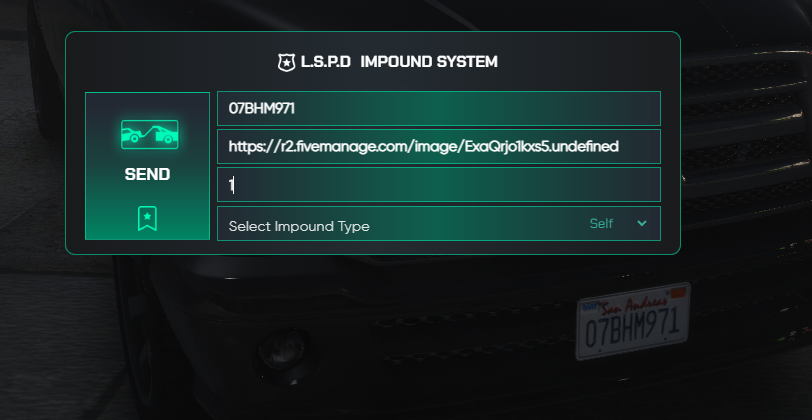
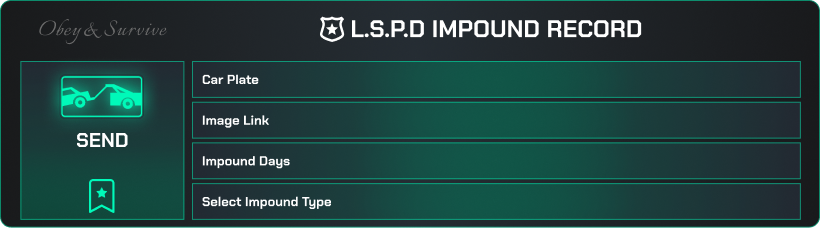
Advanced Vehicle Impound Management for FiveM Roleplay Servers
Compatible Frameworks🚓
• QBCore, ESX, Qbox
Supported Target Systems🎯
• qb‑target, ox_target, interact
Image Logging Options 🖼️
• Discord Webhook, Fivem Manage Image API
Features
• Radial Menu Integration: Seamlessly access the impound functions via qb‑radialmenu or qbx‑radialmenu.
• Customizable Impound Reasons: Configure detailed vehicle seizure reasons from minor infractions to felony-level offenses.
• Defined Impound Lot: Designate custom spawn and retrieval points for impounded vehicles.
• SQL Database Support: Securely store impound records, officer data, and impound durations.
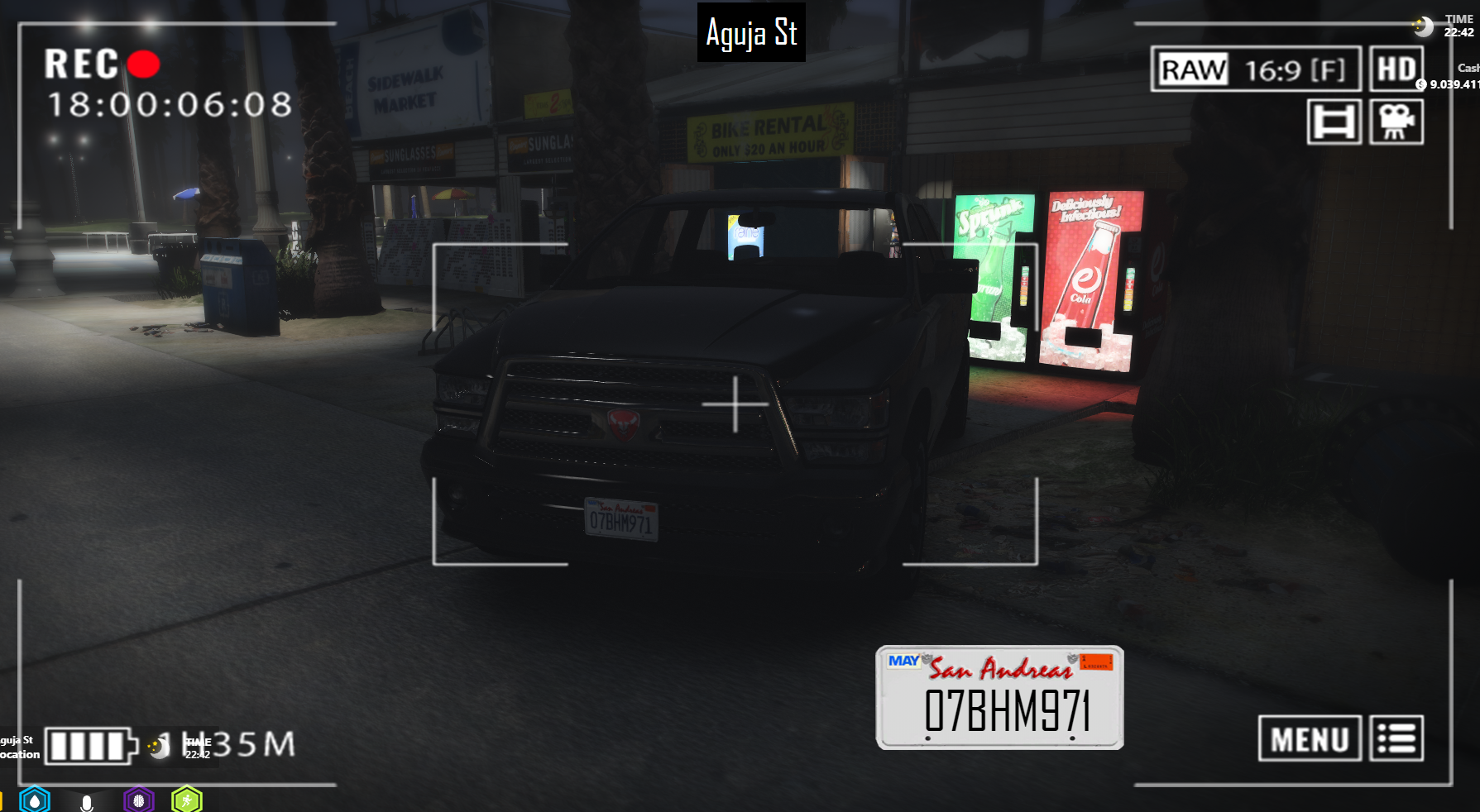
• Inventory Integration: Includes a custom “jomidarcam” (Camera) item for evidence logging, compatible with qb‑inventory & ox_inventory.
• Configurable Job Restrictions: Ensures only authorized police personnel can utilize impound functionalities.
Requirements
• ox_lib: GitHub – overextended/ox_lib
• Radial Menu: Integration with qb‑radialmenu or qbx‑radialmenu is required.
• Inventory Systems: Requires qb‑inventory or ox_inventory for camera item support.
Installation Guide
1. Dependencies
- Ensure that ox_lib is installed on your server.
2. Radial Menu Setup
- Insert the impound menu entry into your radial menu configuration (e.g., at the specified lines in qb‑radialmenu or qbx‑radialmenu).
3. Inventory Integration
- Add the “jomidarcam” item in your inventory configuration (in qb‑core/shared/items.lua or ox_inventory/data/items.lua).
- Copy the provided camera.png file to the corresponding images folder (qb‑inventory/html/images/ or ox_inventory/web/images/).
4. SQL Database Setup
- Run the provided SQL query to create the `impound_vehicles` table in your MySQL/MariaDB database.
5. Configuration
- Adjust the settings in shared/config.lua to match your server’s framework, police job name, impound ped coordinates, vehicle spawn locations, and impound reasons.
6. Image Logging Configuration
- Select your preferred image logging service (Discord Webhook or Fivem Manage Image API) and enter the corresponding API key in the configuration.
Additional Guide
• Camera Usage: Players must press the Enter key after opening the camera to capture evidence.
• Impound History NPC: The NPC for Impound History control must be placed by the server owner using the correct vector coordinates after placing the script. Ensure this is configured before starting the script.
• Impound Select System: The impound system provides two options:
Automatic Impound: The vehicle is immediately removed from its location and sent to the impound.
Call Impound Role: If the server has a dedicated impound role, the system can notify them instead (configurable via Notify settings). Officers must make this decision IC.
• Impound History Limitation: If the impounded vehicle is an NPC-spawned vehicle (not owned by a player), it will not be recorded in the Impound History System. This optimization prevents unnecessary load on the server database.
The product is in its beta version, so please remember that we can fix all bugs and issues. For any problems, please open a ticket on the God Studios Discord server and reach out for support.
Gitbook:
Impound System Documentation
Contacts:
Discord
Youtube
God Studios
God Studios creates FiveM cinematics, script showcases, server trailers, and Tebex promo videos. We help servers and developers present their projects with clean visuals, cinematic editing, and strong product promotion. Our work includes: Server trailers Script showcase videos Tebex product promos UI-focused cinematic content We also publish our own FiveM scripts. Our newest release is GOD ATM Owner System. Players can buy ATMs, set taxes, and earn passive income from ATM locations.



![[| GARAGE + JEWELRY | BUNDLE ]legal interior exterior mlo bundle](https://dunb17ur4ymx4.cloudfront.net/packages/images/0de1c784938794291fd7be474de6d58eb8fe2947.jpg)