NX Target (multiframework)


Description
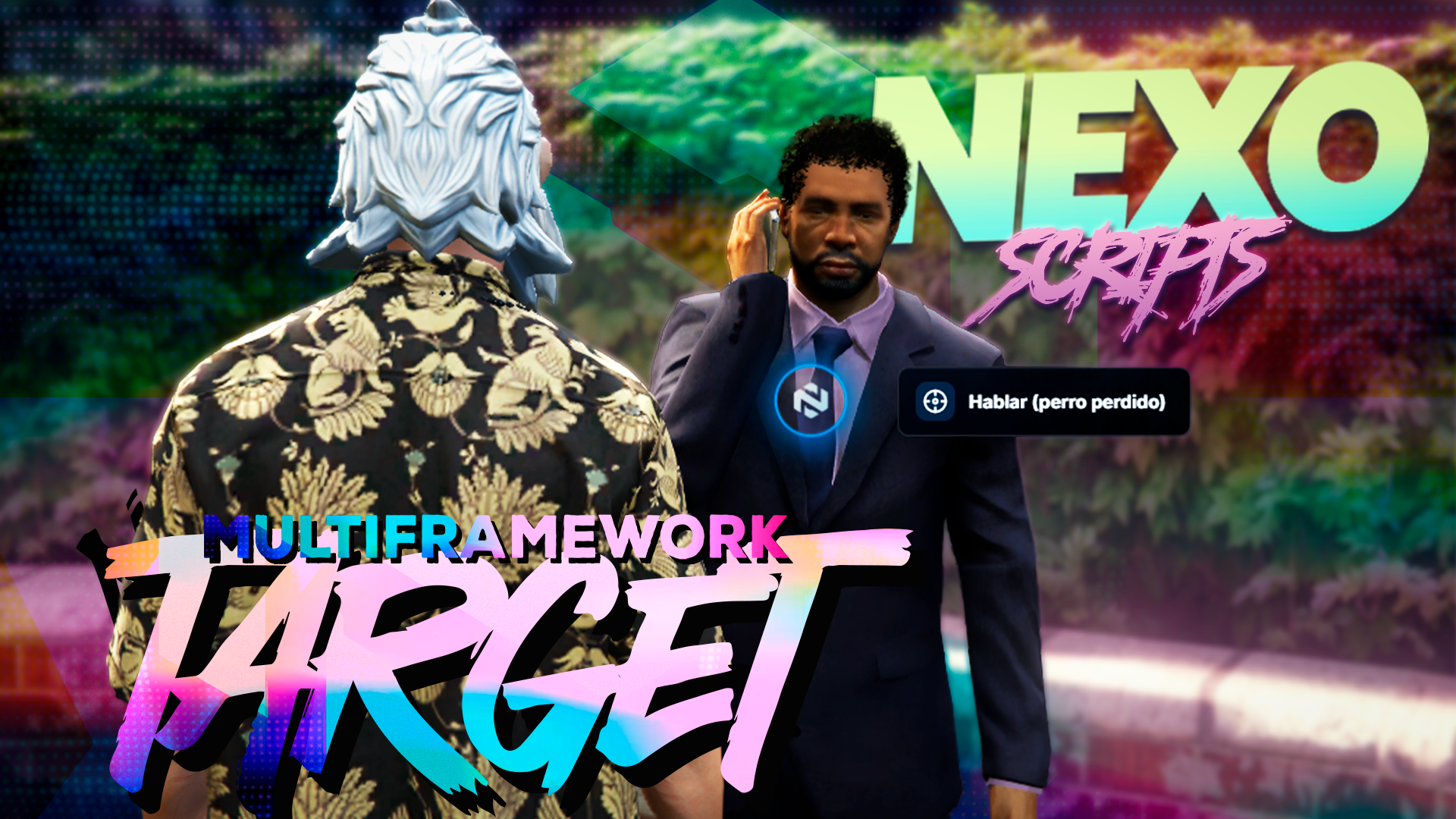
A target with an in-game customizable liquid glass UI, qb-target compatible, with adapters to ox_target / qb-target / qtarget. QBCore · Qbox · ESX.
NX Target is a FiveM target with a liquid glass UI whose look you tweak in-game (/nxtarget). It works as a drop-in qb-target replacement (provide + the same exports), can pass through to ox_target / qb-target / qtarget, and ships its own raycast engine that works with no other target installed.
If you like ox_target but want branded, consistent visuals across your server, nx-target is that layer: a target with an in-game customizable liquid glass UI (Lucide icon or your own PNG, shape, radial/list/compact layout, colors, glow, animations, opacity…) with live preview, no CSS editing.
It's a qb-target drop-in: it declares
provide 'qb-target'and exposesAddBoxZone,AddCircleZone,AddTargetEntity,AddTargetModel(and theirRemove*), so resources built for qb-target keep working unchanged. prefer to keep ox_target underneath? SetConfig.Adapter = 'auto'and it acts as a façade.
Features
-
In-game customizable liquid glass UI — from
/nxtarget: icon (Lucide or PNG), shape (circle, ring, diamond, square, hex, icon-only), layout (radial/list/compact), primary/secondary/glow colors, gradient, brightness, sheen, animations, click pulse, opacity, size and menu position. Live preview. -
qb-target drop-in —
provide 'qb-target'+ compatible exports. -
Adapters —
Config.Adapter = 'self'tries ox_target → qb-target → qtarget → self; chooseable per target. - Self raycast engine — works with no other target and no PolyZone.
- Real server-side permissions — validates ACE, job/gang with grade and required items before running each option (QBCore/qbx/ESX; ox_inventory/qs-inventory + fallback).
-
Flexible actions — client/server event, export or command, with
{target}/{option}/{source}placeholders. - SQL persistence + JSON backup — creates its tables via oxmysql, stores authorship, falls back to JSON if SQL fails.
- Validated PNG upload — 100×100 transparent PNG, server-side validation. Admin only.
-
Multiframework and 2 languages — QBCore / Qbox / ESX auto-detected; full
en/es.
Requirements
- ox_lib and oxmysql.
- FXServer
cerulean,lua54. - Optional framework for job/gang/item permissions: QBCore / qbx_core / ESX.
- ox_target / qb-target / qtarget only if you use the external adapter.
- Owner ACE permissions in server.cfg.
How targets are defined
As with qb-target/ox_target, zones are defined in code, not from the UI:
- from your resources via the standard exports (
exports['nx-target']:AddBoxZone(...)…); - with
AddLocalEntity/RemoveLocalEntityat runtime; - or by seeding
nx_target_entries(SQL) /data/targets.json.
FAQ
- Does it replace qb-target? Yes, it's a drop-in. Don't load it alongside the real qb-target unless you know what you're doing.
-
Does it work with ox_target? Yes — pass through (
Config.Adapter='auto') or replace it with the built-in engine (self). -
Can I restyle it without touching code? Yes, all visuals are edited from
/nxtarget. - Does it create zones from the menu? Not in v1.1.0: zones are defined via exports/SQL(like any target). The in-game editor is for the look.
NEXO Scripts
Elevate your server with professional, optimized, and beautifully crafted scripts. Built in-game by owners, for owners.